


BeStar: The Music Game
Daniel Riveros
Installs
85 ratings
Category
Content Rating
9+
Developer
Daniel Riveros
Version
1.4.6
Updated
Sep 9, 2026
Requires
iOS 15.0 or later
Price
Free
Size (iOS)
119.5 MB
Advertisement
Screenshots

Advertisement
Editor Reviews
BeStar: The Music Game is a strategy game developed by Daniel Riveros for iPhone & iPad. It holds an average rating of 2.7 out of 5 from 85 players.
BeStar: The Music Game is free to download. The latest version 1.4.6 was released on Sep 9, 2026. Content rating: 9+.
Advertisement
About BeStar: The Music Game
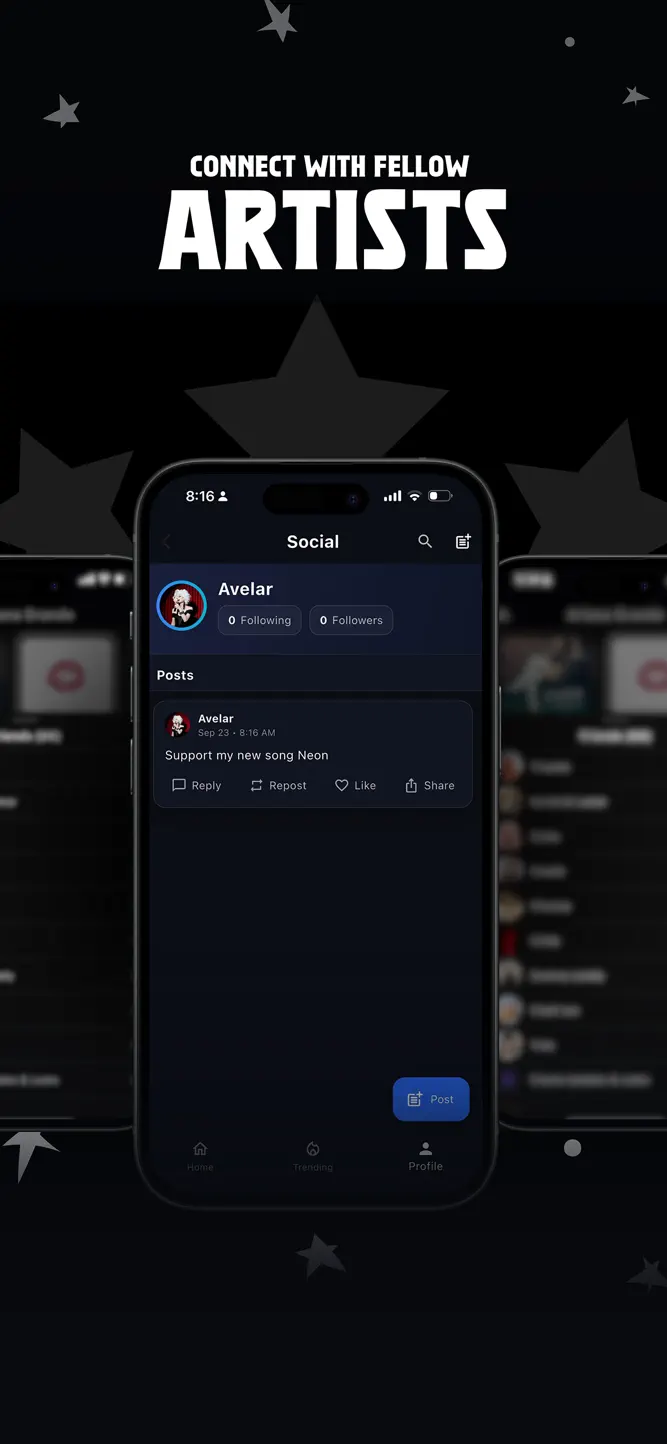
BeStar is the ultimate music career game where you create, release, and promote your own songs. Build your fanbase, climb the charts, and compete to become a star.
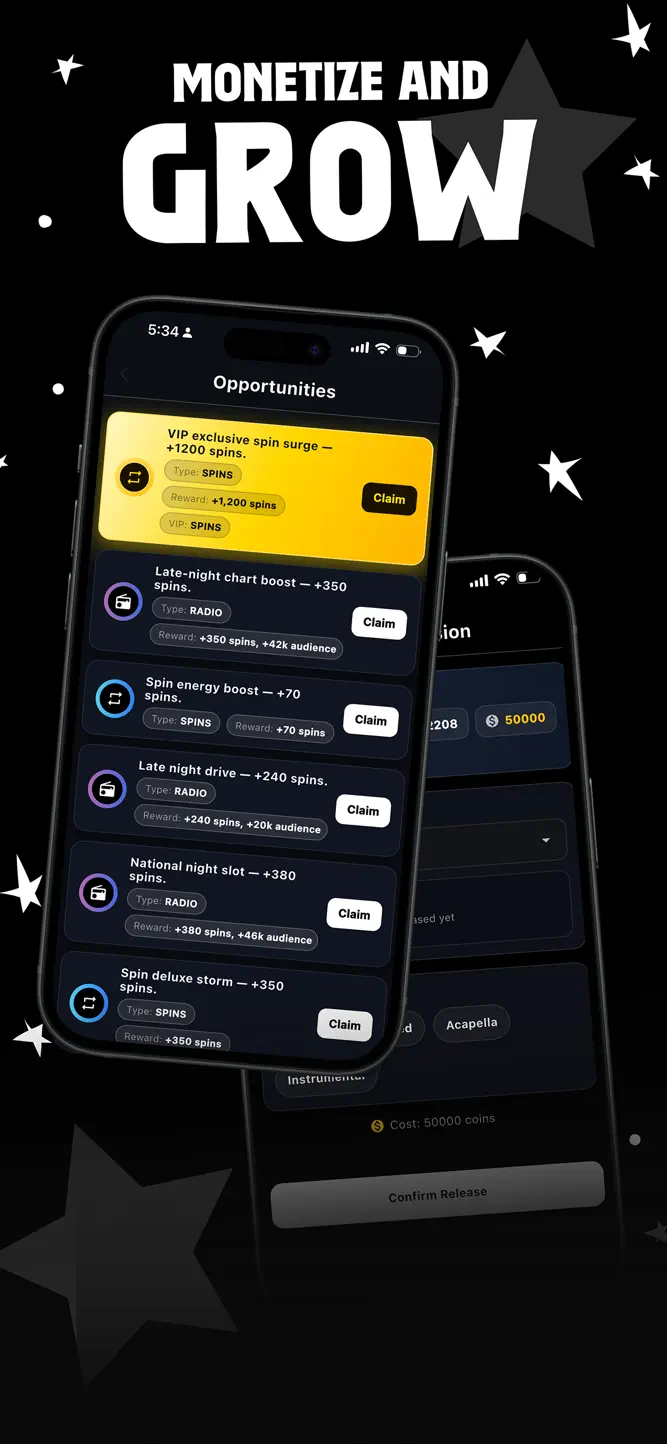
Start small with your first single, then push your way into playlists, send songs to radio, and release full albums. Every choice matters: promote at the right time, launch a lyric video or official video, or save coins and spins to outplay your rivals.
Challenge your friends, collaborate on tracks, and watch your music rise on daily and weekly charts. Drop remixes, go on tour, or unlock VIP perks to boost your career even faster.
BeStar isn’t just about making music—it’s about strategy, timing, and showing you’ve got what it takes to hit #1. Are you ready to outshine the competition?
Subscription Information
Title: VIP (1 Month)
Length: 1 Month (auto-renewable)
Price: $9.99 USD per month
Benefits: Unlock VIP perks, exclusive boosts, and premium features in BeStar.
Payment: Your iTunes account will be charged at confirmation of purchase.
Auto-Renewal: Subscription automatically renews unless canceled at least 24 hours before the end of the current period.
Manage Subscription: You can manage and cancel your subscription anytime in your account settings on the App Store.
Terms of Use (EULA): https://www.apple.com/legal/internet-services/itunes/dev/stdeula/
Privacy Policy: https://bestargame.com/support/#privacy
What's New
New: - VIP widget and Dynamic Island. See your next Opportunity and Energy claim time on your home screen or Dynamic Island. - Listening Parties now show how many extra streams you'll get from the songs you add. Fixed: - Energy amount in AM: you can now type the exact number instead of using a slider. - Missing commas in label bid amounts.
How to download BeStar: The Music Game?
- Tap the Google Play button (Android) or the App Store button (iPhone / iPad) in the download section.
- The official store page of BeStar: The Music Game opens in a new tab.
- Tap Install or Get and wait until the download finishes.
- Open BeStar: The Music Game from your home screen and start playing.
FAQ
Is BeStar: The Music Game free to play?
Yes, BeStar: The Music Game is free to download.
Is BeStar: The Music Game available for iPhone?
Yes, BeStar: The Music Game is available on the Apple App Store and needs iOS 15.0 or later.
Is it safe to download BeStar: The Music Game?
Yes. ER Games does not host any files — the download buttons open the official Google Play and App Store pages.
Download the App
Similar Games
Clash of Clans
Clash Royale
Lords Mobile x Transformers
Plants vs. Zombies™
Doomsday:The Seven Deadly Sins
Whiteout Survival
Stick War: Legacy
Kingshot
 Triumph Arcade
Evony: The King's Return
 Chess.com - Play and Learn
Total Battle: War Strategy
State.io — Conquer the World
Top War: Battle Game
Stick Hero: Tower Defense
Advertisement
Disclaimer
1. ER Games does not represent any developer, nor is it the developer of any app or game listed on this website.
2. Game details such as icons, screenshots, ratings and descriptions are collected from the public Google Play and App Store listings so players can compare games before installing.
3. All trademarks, registered trademarks, product names, company names and logos are the property of their respective owners.
4. ER Games does not host APK or IPA files. Every download button opens the official Google Play Store or Apple App Store page of the game.
5. ER Games respects the Digital Millennium Copyright Act (DMCA). If you are the owner of any content shown here and want it removed, please contact us at contact@earningreview.com.