


Piano : Video Game music songs
Duong Nguyen Anh
Installs
11K ratings
Category
Content Rating
4+
Developer
Duong Nguyen Anh
Version
9.9
Updated
Jul 13, 2021
Requires
iOS 10.0 or later
Price
Free
Size (iOS)
101.8 MB
Advertisement
Screenshots


Advertisement
Editor Reviews
Piano : Video Game music songs is an educational game developed by Duong Nguyen Anh for iPhone & iPad. It holds an average rating of 4.5 out of 5 from 11K players.
Piano : Video Game music songs is free to download. The latest version 9.9 was released on Jul 13, 2021. Content rating: 4+.
Advertisement
About Piano : Video Game music songs
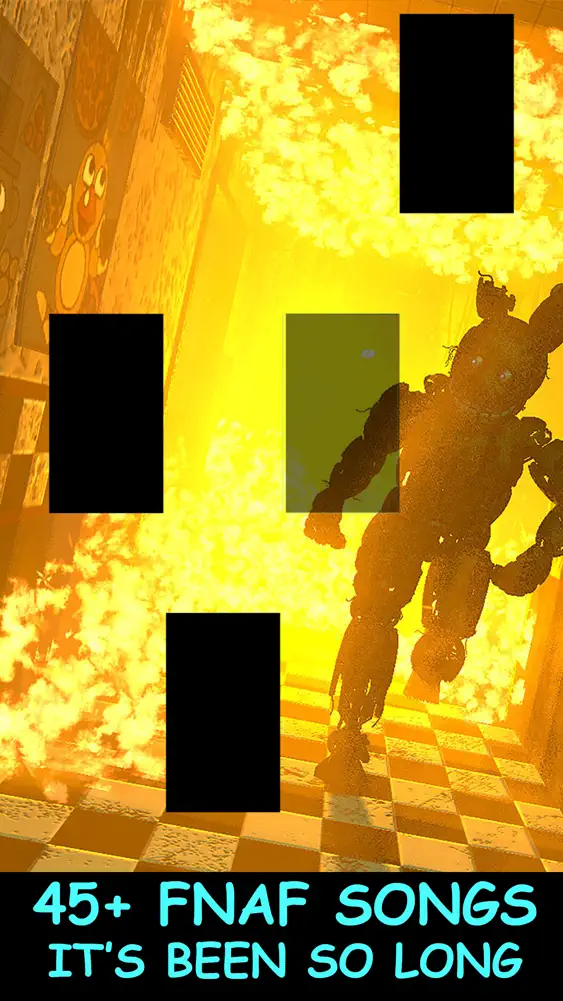
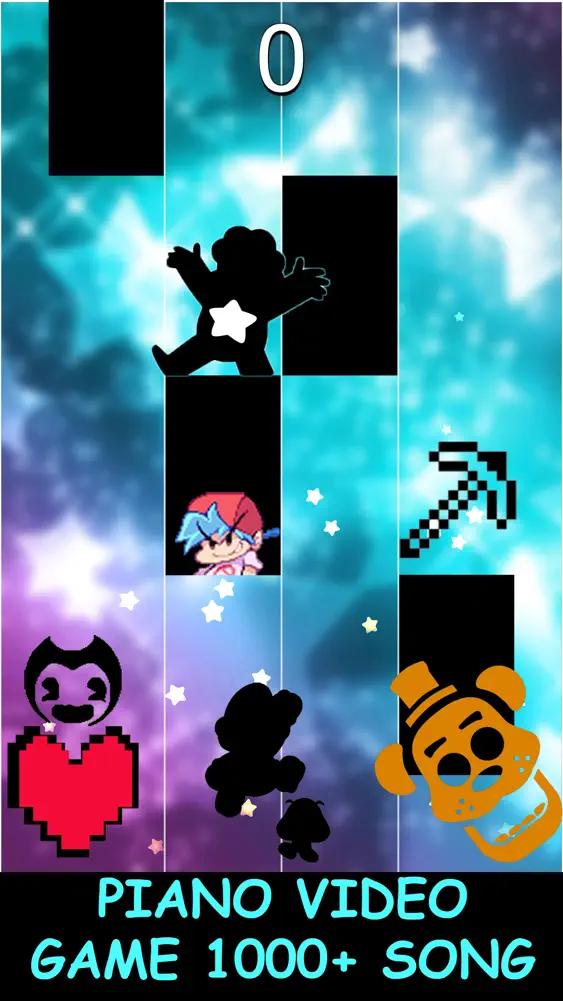
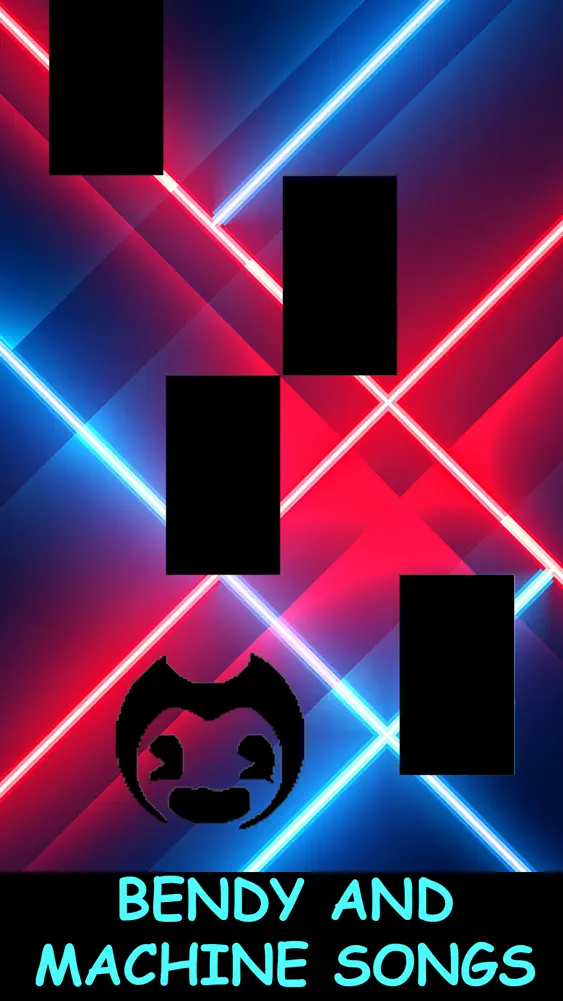
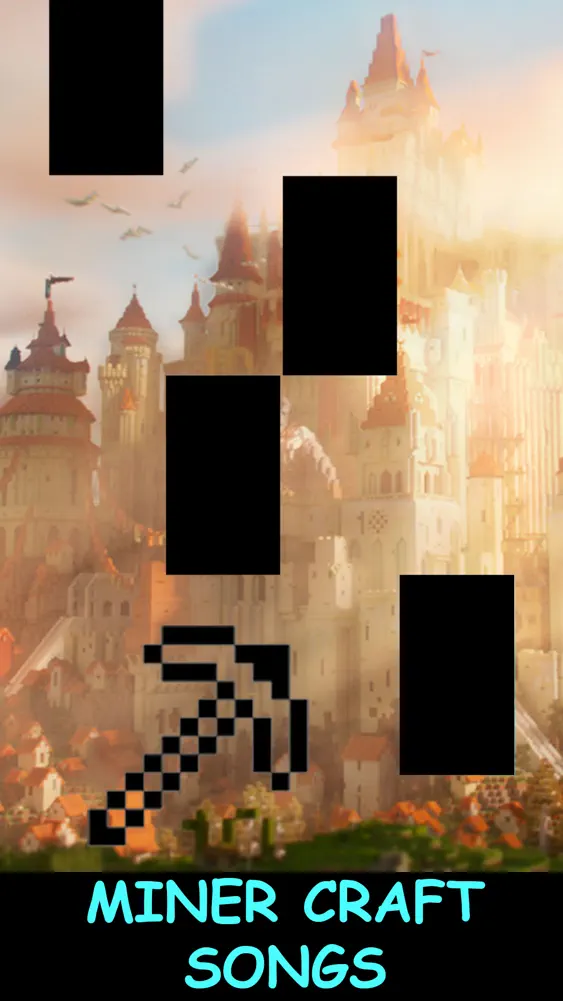
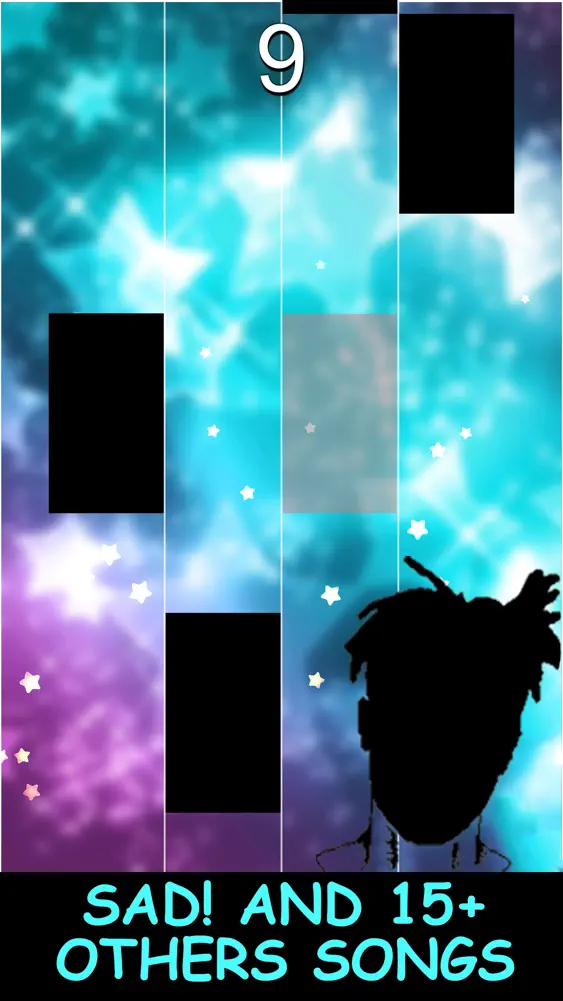
Piano Video Game is one of the best piano games for the fans of Undertale, fnaf, Minecraft, Bendy, Tentacion… and many other movies.
Have you ever experienced the feeling of having a theme song obsessed within your head while playing the games above and you really yearn to play it out on your own? Then wait no more, this game is exactly made for you! Even though you don’t know to play piano, you can still find the satisfaction of creating your favorite game melody right under your fingertips and the thrill of speed challenge, anywhere and anytime, just using your phone. Simple enough?
Piano Video Game is an addictive game with more than 1000 songs from many games and movies, so you can easily find and play the songs you love in our list. You can also ask for the new songs you want by leaving a message for us into the Comment session and it will be added to our collection soon. Just remember, you make your request, we add the songs :D
HOW TO PLAY
• Choose your favorite song
• Choose your preferable speed and line mode (optional)
• Tap on the title to follow the melody and challenge of speed
• Complete the melody to unlock more songs
FEATURES
• Find your favorite song from our list of 1000+ titles (you can always filter by game types for better search)
• Choose your suitable speed to start and enjoy the speed increase over the round (and never stop until you cannot catch up anymore )
• Amazing sound quality with smooth music and colorful graphic
• Change the background anytime you want
• Songs added based on your request with weekly updates (your wish is our command )
DISCLAIMER
Piano Video Game is the unofficial fan application, which is not under any affiliation or endorsement by any Game/Film management or record labels.
The melodies are arranged with individual notes and no copyrighted material is used within this app.
This app is for entertainment purpose only.
FEEDBACK
This app is free for download, but it is updated weekly. Feel free to email us for song requests, bug report or any suggestions via [insert support email here], we welcome all the comments from you so that we can make the app better and better. Thank you for downloading our game!
SUBSCRIPTION
This app is free to play for sure; however, we also offer you the VIP subscription option for better experience:
Upon subscribing, you can enjoy the game without interruption from ads with all unlocked VIP songs, unlimited energies and exclusive VIP themes. Better yet, you can always play the game even in no-Internet condition!
When your subscription is confirmed, the money will be charged from your iTunes account. The subscription renewal fee will be automatically deducted from your account after each period if no cancellation is made at least 24 hours prior the end of the current period. Thus, if you don’t want to continue with the subscription, please make sure to turn the auto-renewal off by going to the User's Account Settings after purchase.
Some important notes:
Any unused portion of a free trial period (if offered) will be forfeited when the user purchases a subscription to that publication, where it is applicable.
If you cancel your subscription, you will lose all the VIP privileges described as above.
What's New
- Update new songs - Update UI - Remove background
How to download Piano : Video Game music songs?
- Tap the Google Play button (Android) or the App Store button (iPhone / iPad) in the download section.
- The official store page of Piano : Video Game music songs opens in a new tab.
- Tap Install or Get and wait until the download finishes.
- Open Piano : Video Game music songs from your home screen and start playing.
FAQ
Is Piano : Video Game music songs free to play?
Yes, Piano : Video Game music songs is free to download.
Is Piano : Video Game music songs available for iPhone?
Yes, Piano : Video Game music songs is available on the Apple App Store and needs iOS 10.0 or later.
Is it safe to download Piano : Video Game music songs?
Yes. ER Games does not host any files — the download buttons open the official Google Play and App Store pages.
Download the App
Similar Games
Toca Boca World
Toca Boca Jr: Fun Kids Games
Fluvsies - A Fluff to Luv
Baby Panda's School Bus
Coloring Games: Color & Paint
Aha World & Gabby's Dollhouse
Coloring & Learn
Pepi City: Hospital Life
Toca Boca Hair Salon 4
Dentist games
Cooking Mama: Let's cook!
ABC Kids - Tracing & Phonics
Kids Games: For Toddlers 3-5
Masha and the Bear Educational
PBS KIDS Games
Advertisement
Disclaimer
1. ER Games does not represent any developer, nor is it the developer of any app or game listed on this website.
2. Game details such as icons, screenshots, ratings and descriptions are collected from the public Google Play and App Store listings so players can compare games before installing.
3. All trademarks, registered trademarks, product names, company names and logos are the property of their respective owners.
4. ER Games does not host APK or IPA files. Every download button opens the official Google Play Store or Apple App Store page of the game.
5. ER Games respects the Digital Millennium Copyright Act (DMCA). If you are the owner of any content shown here and want it removed, please contact us at contact@earningreview.com.