


RetroGlass: Pixel Hourglass
Mewey
Category
Content Rating
4+
Developer
Mewey
Version
1.0
Updated
Jul 7, 2026
Requires
iOS 18.5 or later
Price
Free
Size (iOS)
2.3 MB
Advertisement
Screenshots
Advertisement
Editor Reviews
RetroGlass: Pixel Hourglass is an action game developed by Mewey for iPhone & iPad.
RetroGlass: Pixel Hourglass is free to download. The latest version 1.0 was released on Jul 7, 2026. Content rating: 4+.
Advertisement
About RetroGlass: Pixel Hourglass
RetroGlass turns time into a tiny piece of living art.
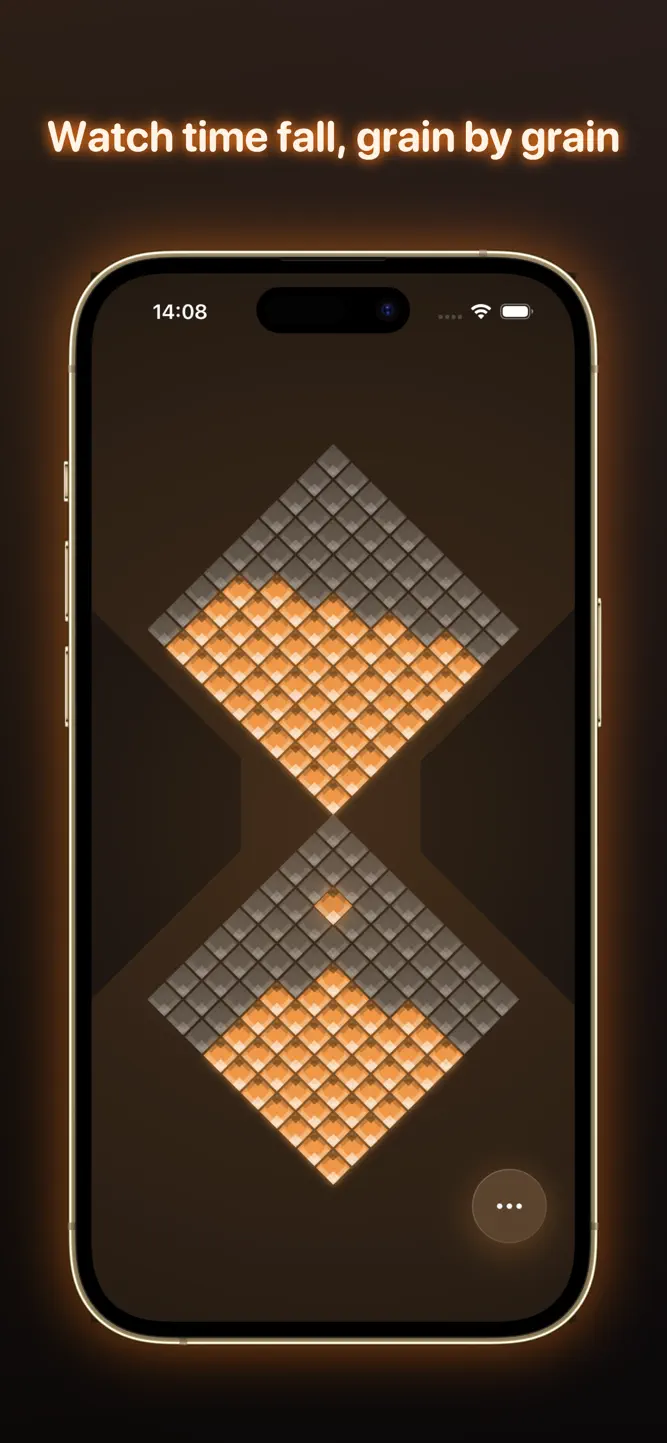
A neon, pixel-perfect hourglass drains grain by grain on your screen, in real time. Flip it over to start, tap to pause, and let the falling sand pull your attention back to the present.
No noise. No clutter. Just a calm, glowing timer that makes minutes feel good.
FEATURES
- Real pixel-sand physics: every grain falls on a wall-clock-accurate timer
- Flip-to-start with a satisfying, tactile turn
- Tap to pause and resume, double-tap to reset
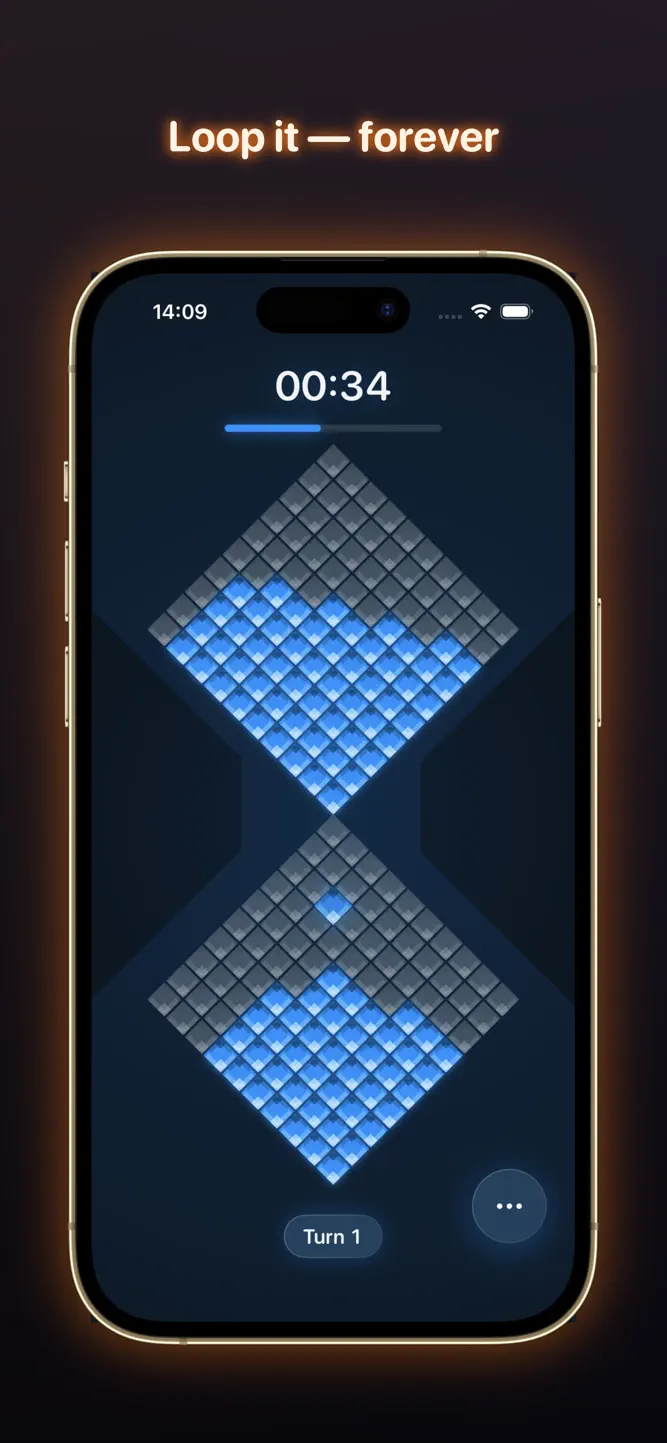
- Loop mode: the glass flips and restarts forever, with a turn counter
- Optional on-screen countdown
- Preset durations (1, 5, 10 minutes) plus your own custom lengths
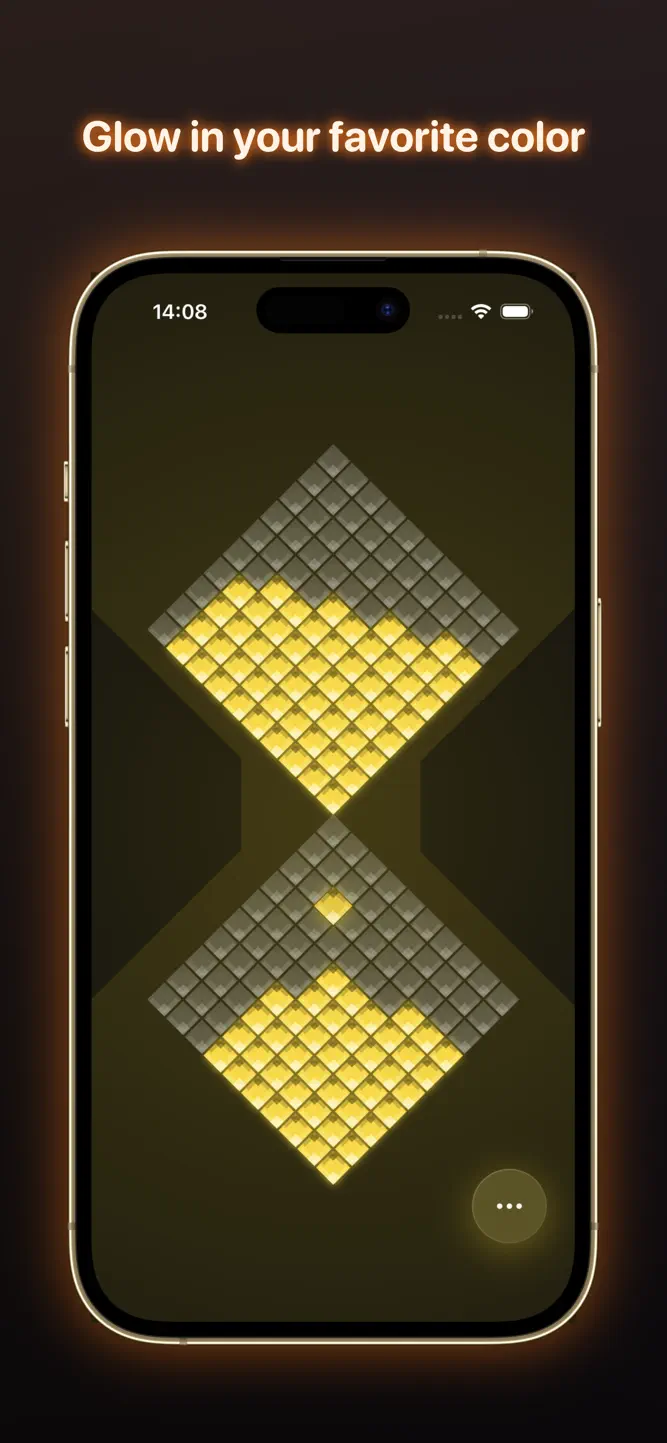
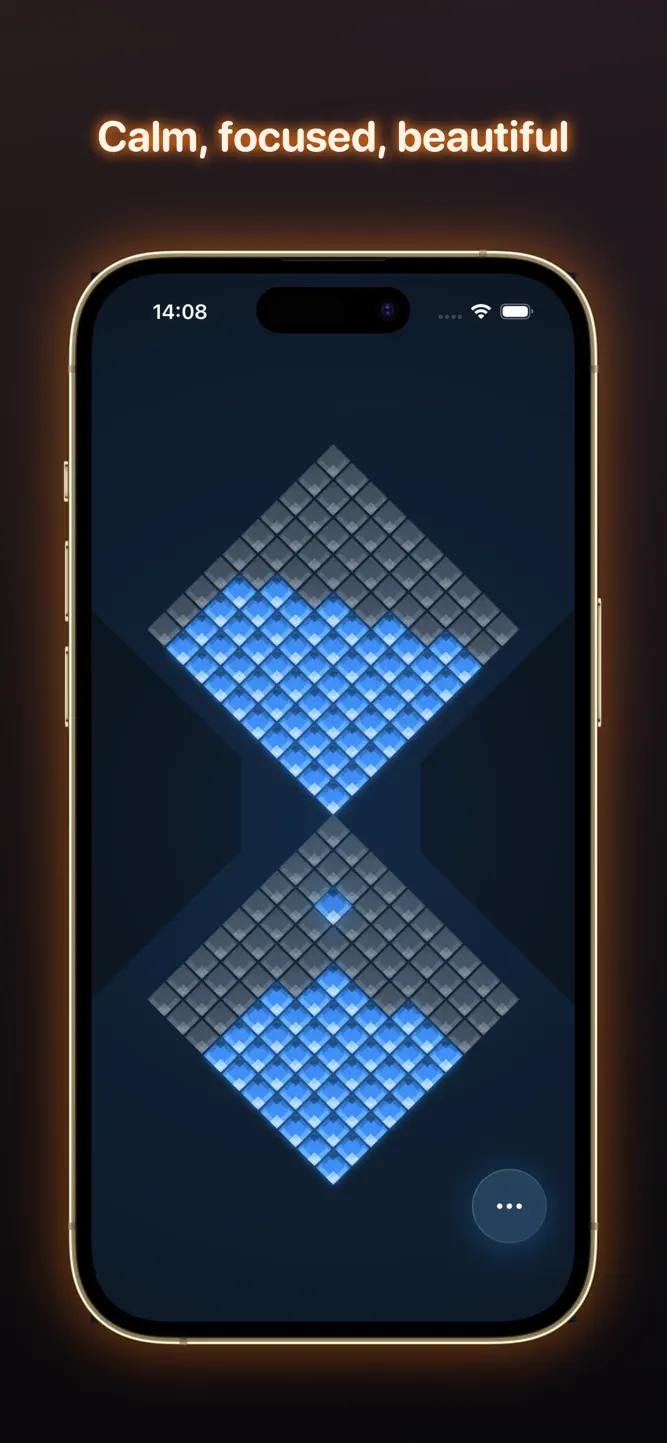
- Gorgeous neon color themes and an ambient glow that reacts as it runs
- Designed for iPhone and iPad
PERFECT FOR
- Focus sessions, Pomodoro and deep work
- Studying, writing and reading sprints
- Tea, coffee and cooking timers
- Breathing, meditation and winding down for sleep
- A beautiful ambient centerpiece on your desk
RetroGlass Premium (one-time purchase, no subscription) unlocks every color theme and unlimited custom durations. Buy once, keep forever.
Turn time into art. Flip the glass and breathe.
How to download RetroGlass: Pixel Hourglass?
- Tap the Google Play button (Android) or the App Store button (iPhone / iPad) in the download section.
- The official store page of RetroGlass: Pixel Hourglass opens in a new tab.
- Tap Install or Get and wait until the download finishes.
- Open RetroGlass: Pixel Hourglass from your home screen and start playing.
FAQ
Is RetroGlass: Pixel Hourglass free to play?
Yes, RetroGlass: Pixel Hourglass is free to download.
Is RetroGlass: Pixel Hourglass available for iPhone?
Yes, RetroGlass: Pixel Hourglass is available on the Apple App Store and needs iOS 18.5 or later.
Is it safe to download RetroGlass: Pixel Hourglass?
Yes. ER Games does not host any files — the download buttons open the official Google Play and App Store pages.
Download the App
Similar Games


Advertisement
Disclaimer
1. ER Games does not represent any developer, nor is it the developer of any app or game listed on this website.
2. Game details such as icons, screenshots, ratings and descriptions are collected from the public Google Play and App Store listings so players can compare games before installing.
3. All trademarks, registered trademarks, product names, company names and logos are the property of their respective owners.
4. ER Games does not host APK or IPA files. Every download button opens the official Google Play Store or Apple App Store page of the game.
5. ER Games respects the Digital Millennium Copyright Act (DMCA). If you are the owner of any content shown here and want it removed, please contact us at contact@earningreview.com.