


Safely — AI Scam Detector
Leo Allan Corpus
Category
Content Rating
4+
Developer
Leo Allan Corpus
Version
1.0
Updated
Jul 7, 2026
Requires
iOS 15.5 or later
Price
Free
Size (iOS)
94.4 MB
Advertisement
Screenshots



Advertisement
Editor Reviews
Safely — AI Scam Detector is an action game developed by Leo Allan Corpus for iPhone & iPad.
Safely — AI Scam Detector is free to download. The latest version 1.0 was released on Jul 7, 2026. Content rating: 4+.
Advertisement
About Safely — AI Scam Detector
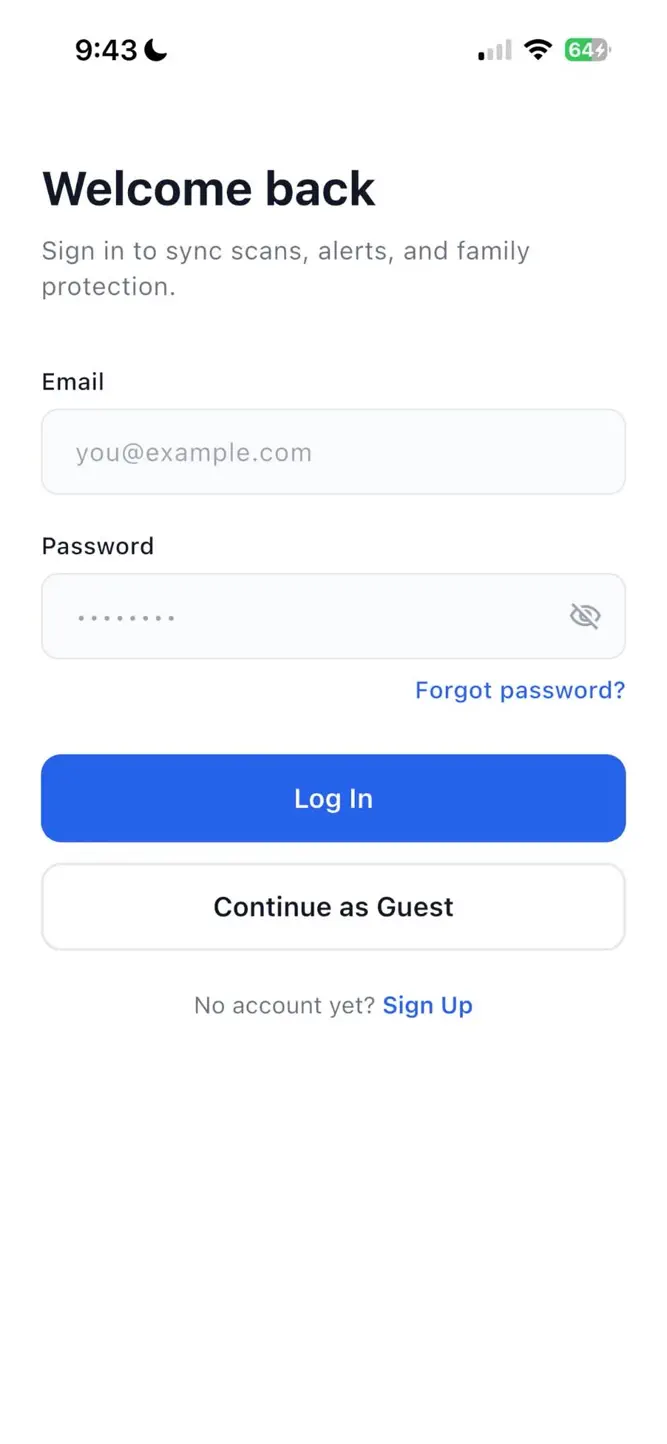
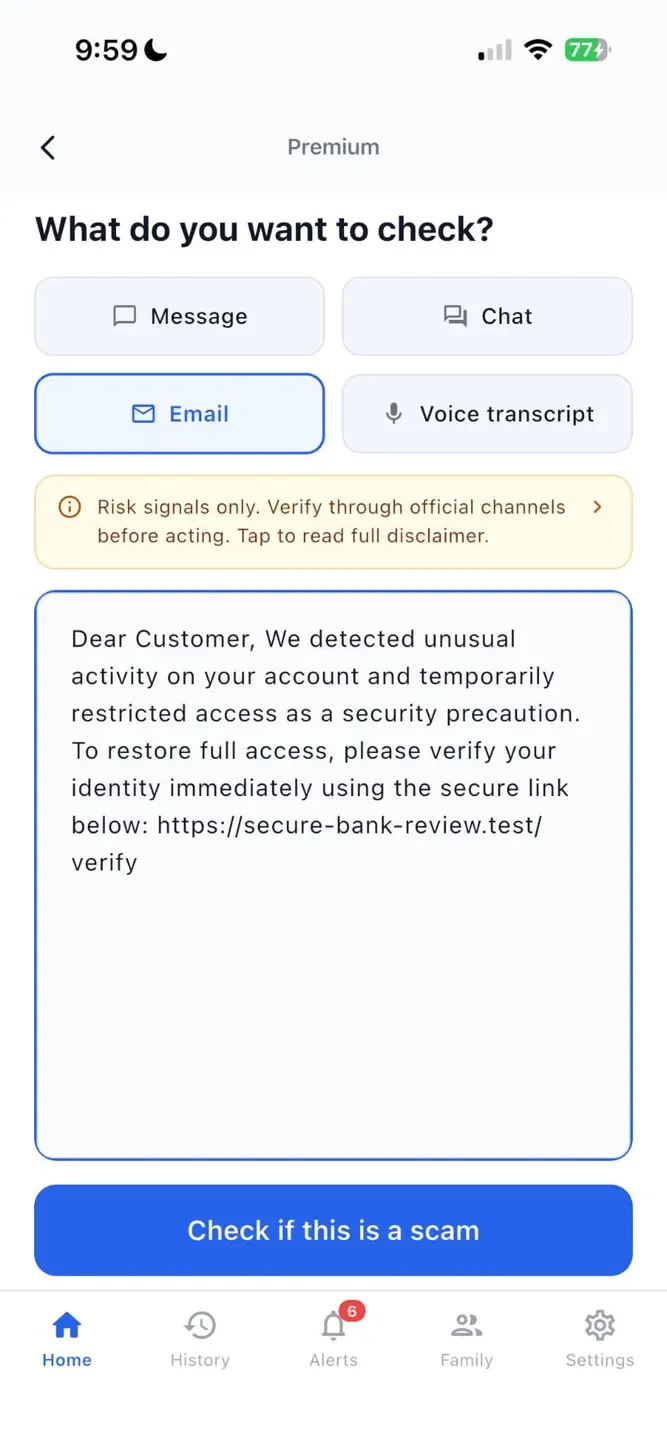
Safely AI Scam Detector helps you check suspicious messages, emails, links, screenshots, and QR codes before you click, reply, or pay.
Built for everyday users and families, Safely turns confusing scam signals into clear answers you can understand fast.
What Safely AI Scam Detector can check
Messages and chats
Emails
Links
Screenshots
QR codes
Voice transcript text
What you get
Clear scam risk results in plain language
Reasons why something looks suspicious
Safer next steps before you act
Recovery guidance if something already happened
Scan history and alerts
Family protection on eligible plans
Why Safely — AI Scam Detector
Scam and fraud messages often create urgency, impersonate trusted brands, or pressure you to act fast. Safely AI Scam Detector. helps you slow down and assess risk before sharing details, sending money, or opening suspicious content.
Plans
Free: essential checking
Premium: stronger personal protection and recovery
Family: protect the people you care about
Important
Safely AI Scam Detector provides automated risk checks and guidance to help you assess suspicious content. Results are informational only and are not legal, financial, or cybersecurity advice. Always verify through official channels before sending money, sharing credentials, or taking urgent action.
How to download Safely — AI Scam Detector?
- Tap the Google Play button (Android) or the App Store button (iPhone / iPad) in the download section.
- The official store page of Safely — AI Scam Detector opens in a new tab.
- Tap Install or Get and wait until the download finishes.
- Open Safely — AI Scam Detector from your home screen and start playing.
FAQ
Is Safely — AI Scam Detector free to play?
Yes, Safely — AI Scam Detector is free to download.
Is Safely — AI Scam Detector available for iPhone?
Yes, Safely — AI Scam Detector is available on the Apple App Store and needs iOS 15.5 or later.
Is it safe to download Safely — AI Scam Detector?
Yes. ER Games does not host any files — the download buttons open the official Google Play and App Store pages.
Download the App
Similar Games


Advertisement
Disclaimer
1. ER Games does not represent any developer, nor is it the developer of any app or game listed on this website.
2. Game details such as icons, screenshots, ratings and descriptions are collected from the public Google Play and App Store listings so players can compare games before installing.
3. All trademarks, registered trademarks, product names, company names and logos are the property of their respective owners.
4. ER Games does not host APK or IPA files. Every download button opens the official Google Play Store or Apple App Store page of the game.
5. ER Games respects the Digital Millennium Copyright Act (DMCA). If you are the owner of any content shown here and want it removed, please contact us at contact@earningreview.com.