


Shuffle Music Bingo - Game
John Holmes
Installs
20 ratings
Category
Content Rating
4+
Developer
John Holmes
Version
3.2.4
Updated
Feb 19, 2026
Requires
iOS 18.6 or later
Price
Free
Size (iOS)
7.4 MB
Advertisement
Screenshots


Advertisement
Editor Reviews
Shuffle Music Bingo - Game is an educational game developed by John Holmes for iPhone & iPad. It holds an average rating of 3.6 out of 5 from 20 players.
Shuffle Music Bingo - Game is free to download. The latest version 3.2.4 was released on Feb 19, 2026. Content rating: 4+.
Advertisement
About Shuffle Music Bingo - Game
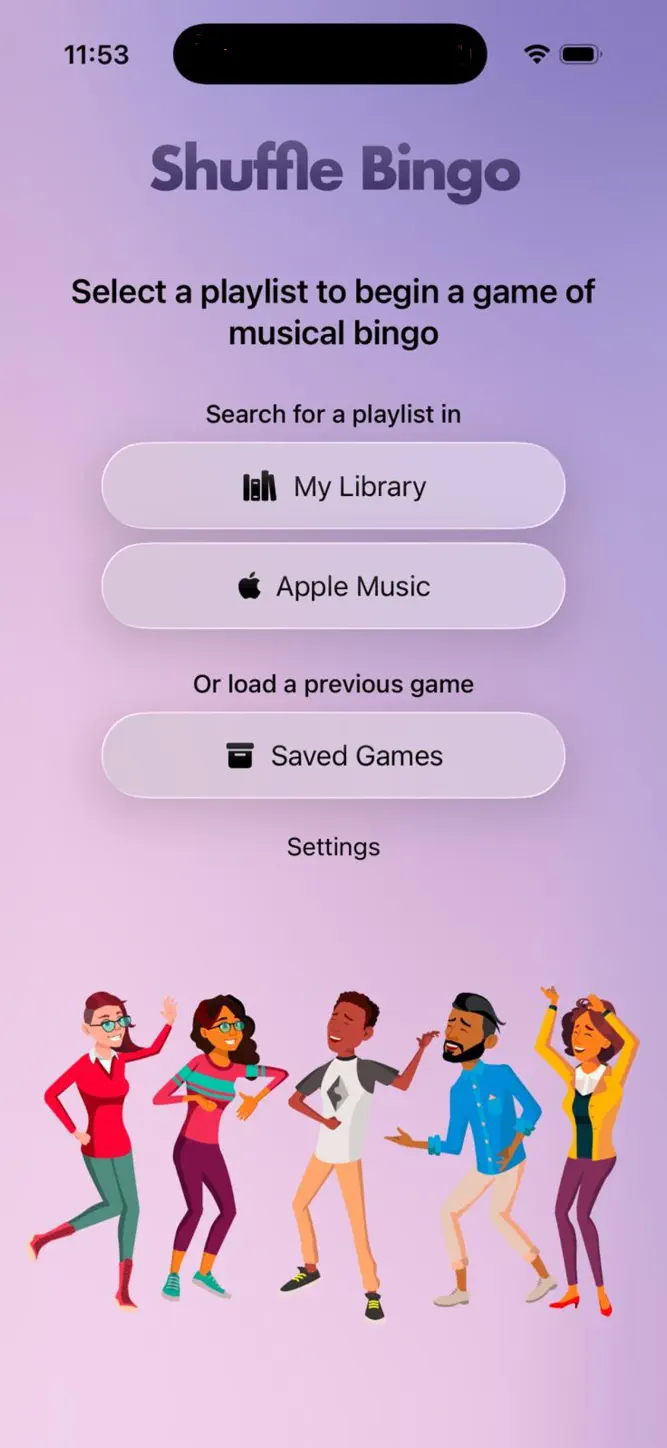
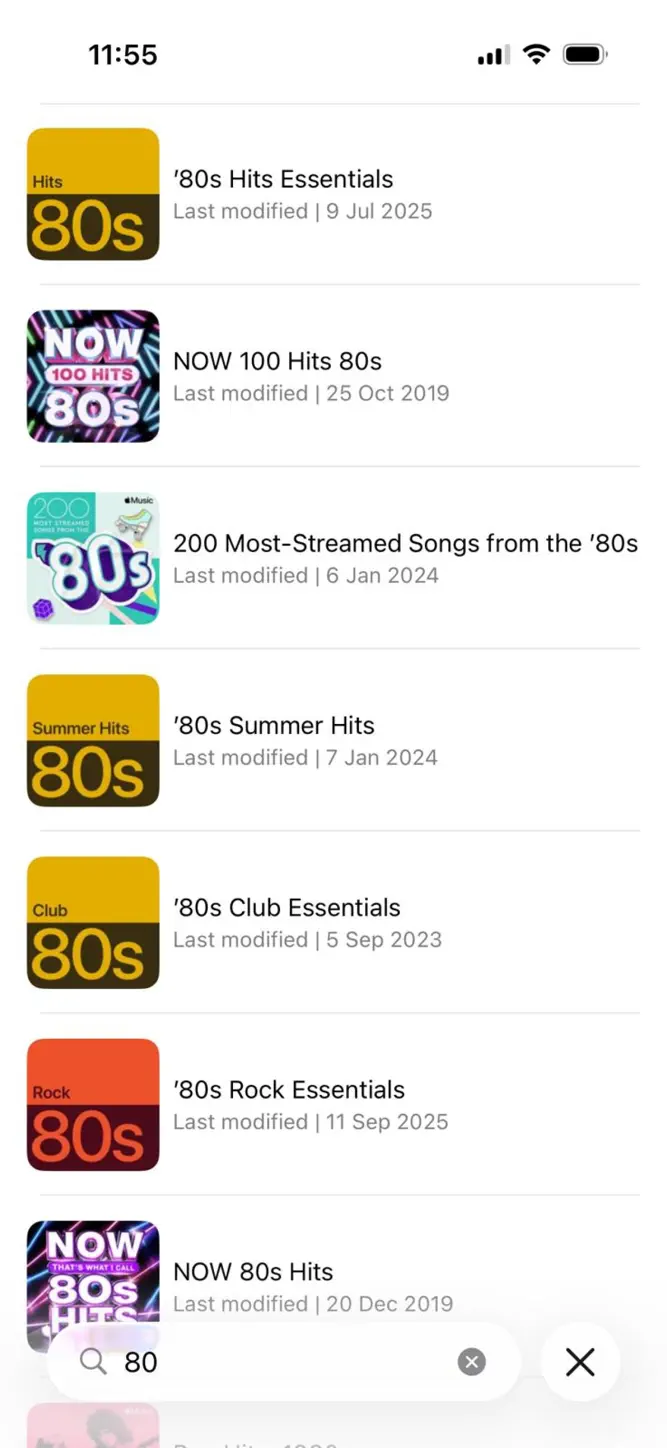
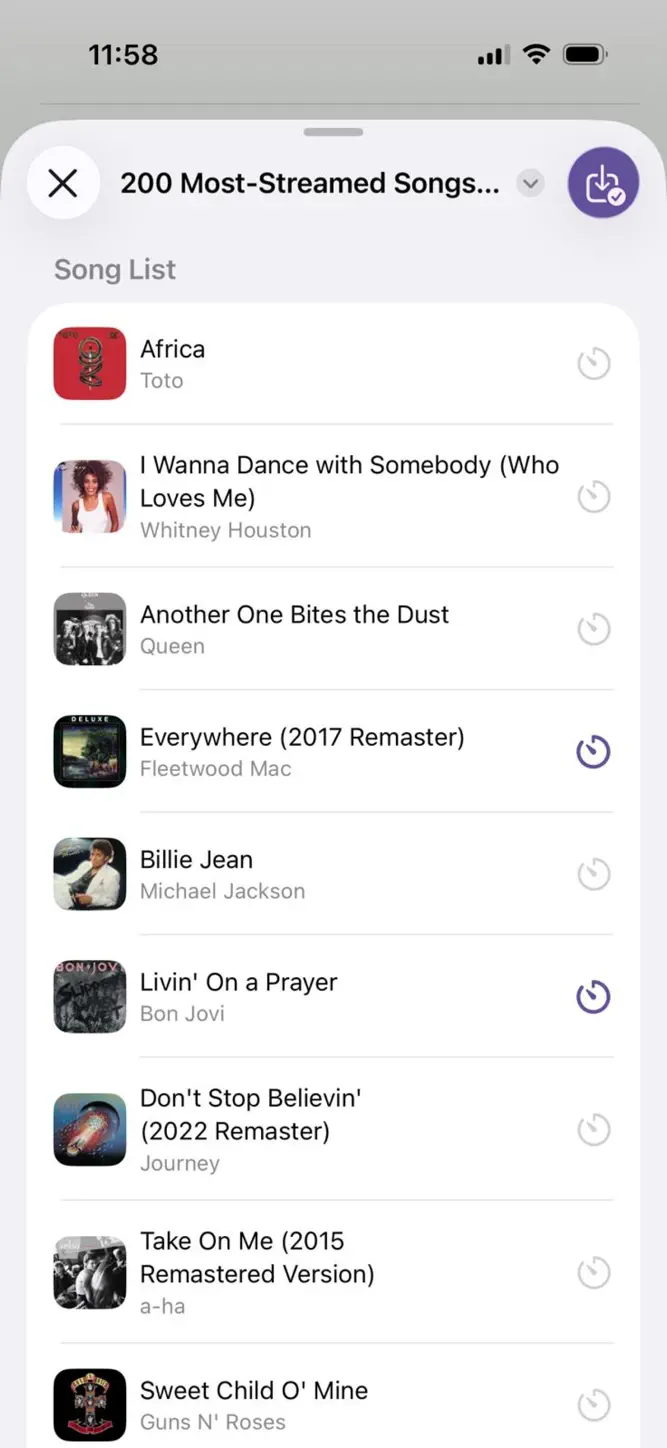
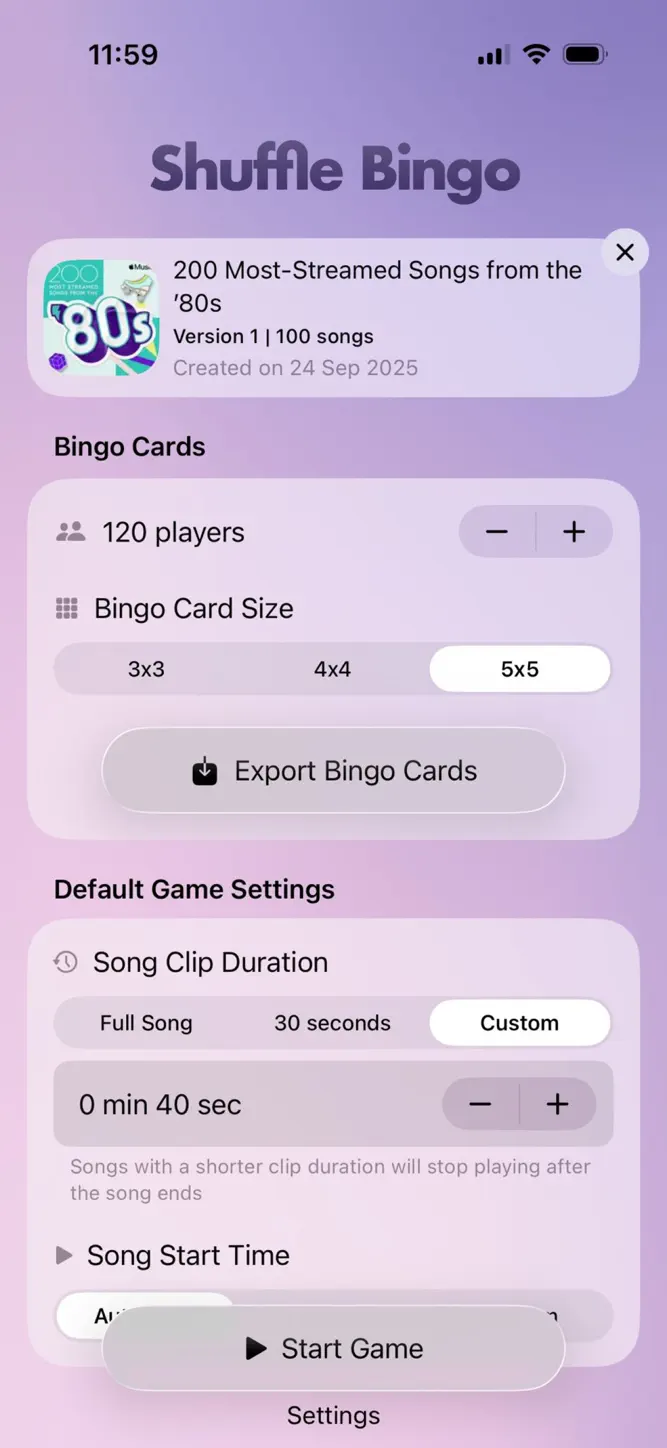
Shuffle Bingo uses your choice of music to build bingo cards for the game. Songs can be logically edited to pinpoint the hook of each song or create Beat The Intro or Name That Tune quizzes. Alternatively use your own choice of default duration for unedited songs. Games can be created in moments.
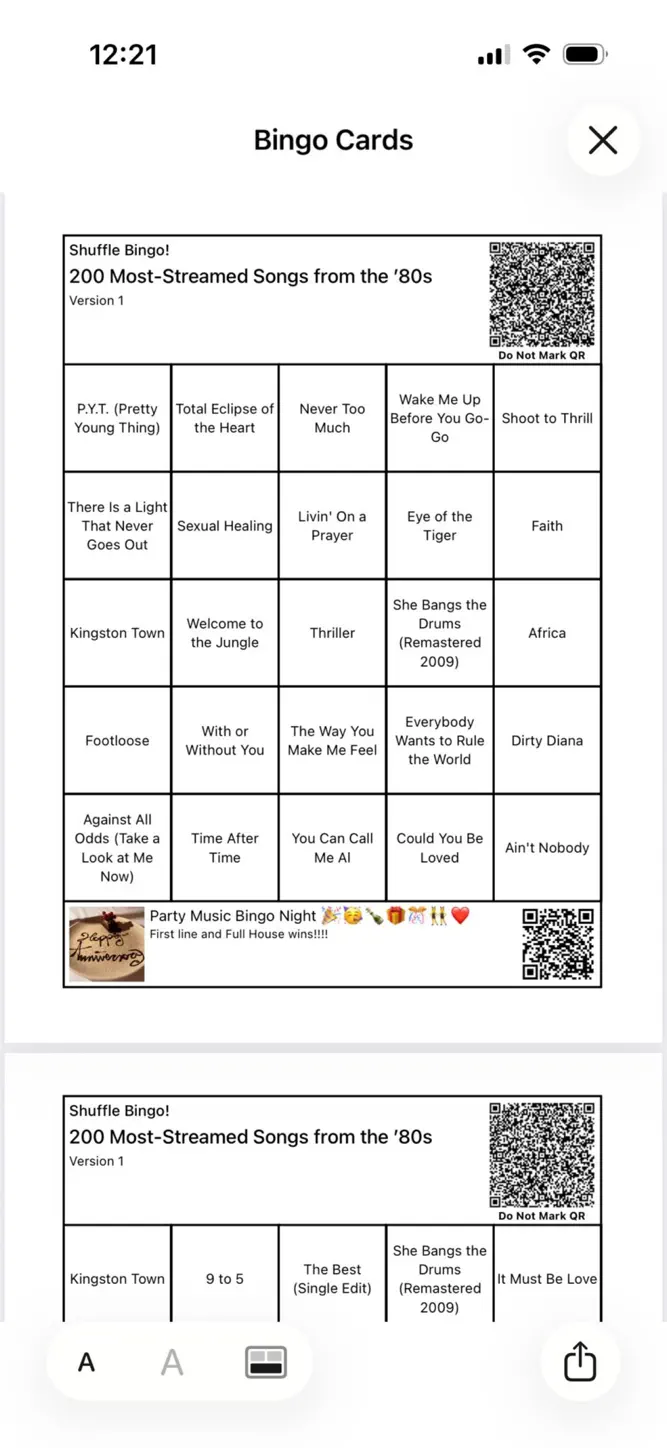
Instead of numbers, your cards will contain a random selection of songs from your chosen playlist.
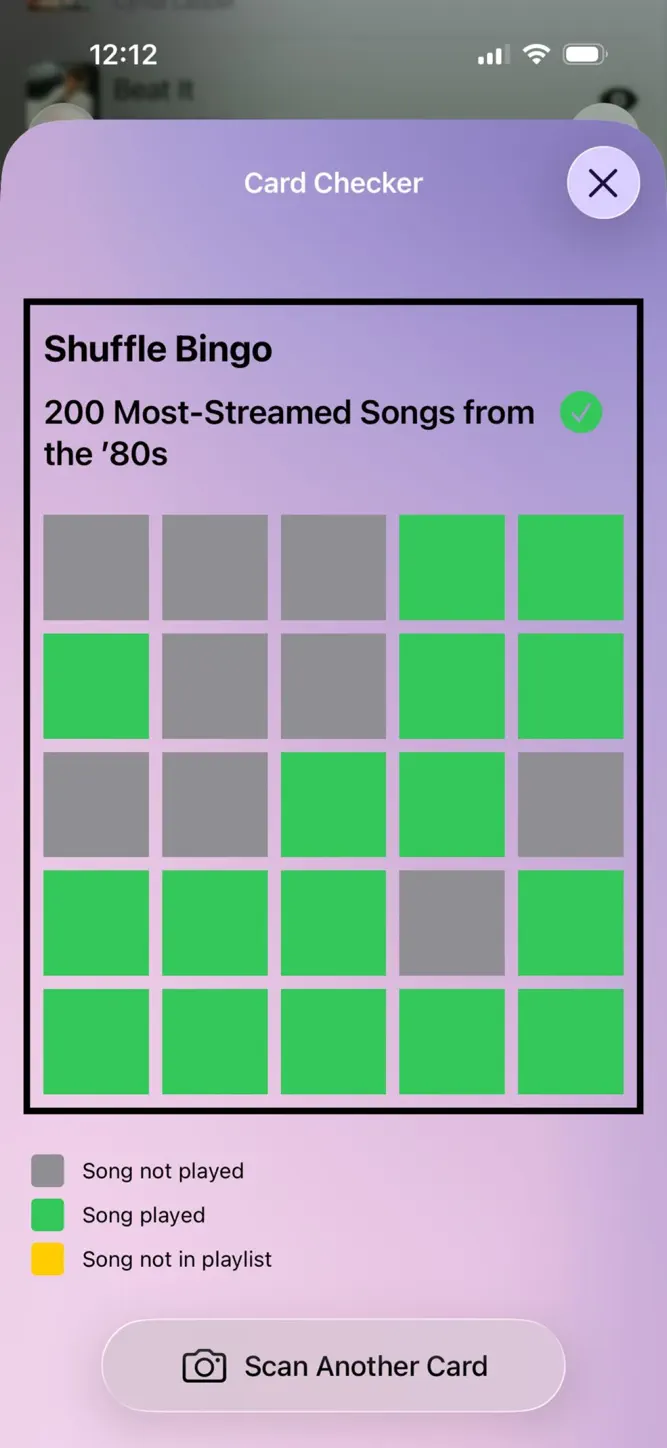
When you play the game, songs will play randomly using shuffle mode.
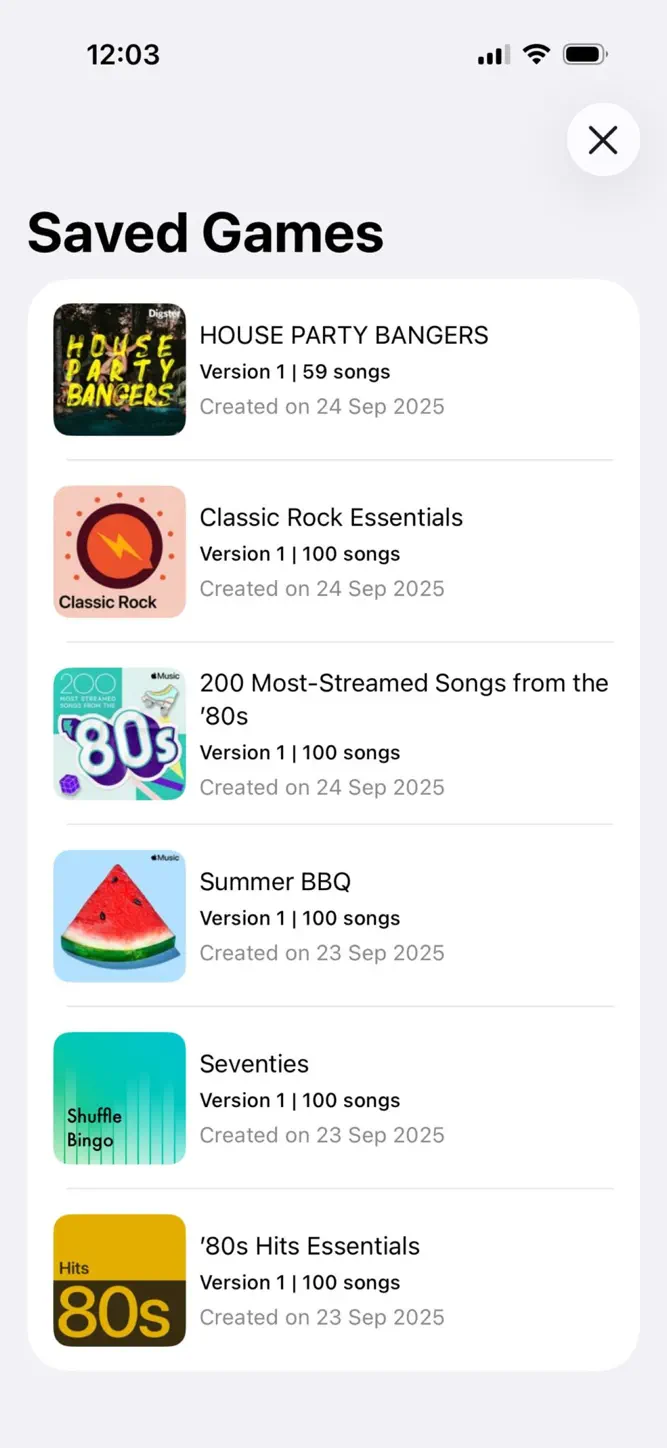
Choose a new playlist or a saved game each time to suit the players whether it’s children, family, friends or guests.
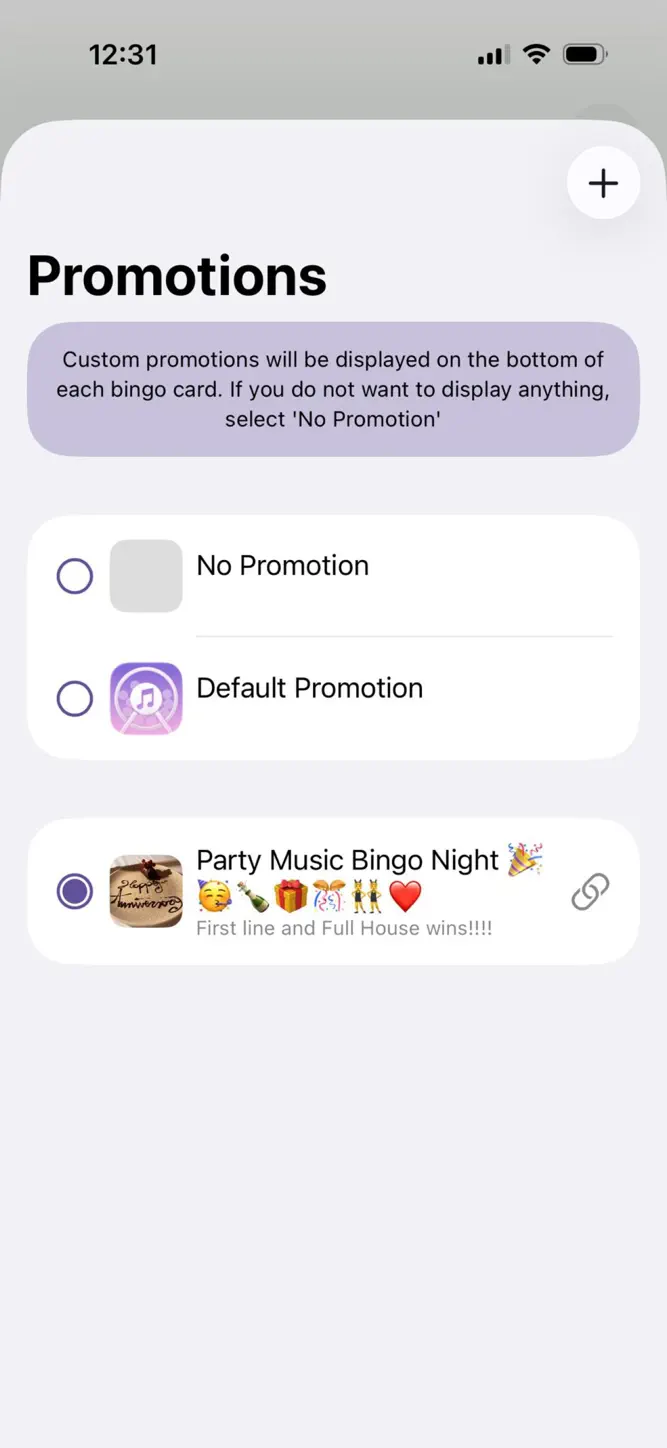
Cards are printed to an acrobat PDF to print locally or share remotely.
A different game every time, if you wish.
Please note that an active subscription to Apple Music is required to enable the provision of essential metadata that is required for the App to function. There is a more complete explanation at www.shufflebingo.com/announcement.pdf .
For full terms of service, see:
https://www.apple.com/legal/internet-services/itunes/dev/stdeula/
What's New
Enhanced error checking and updated App description.
How to download Shuffle Music Bingo - Game?
- Tap the Google Play button (Android) or the App Store button (iPhone / iPad) in the download section.
- The official store page of Shuffle Music Bingo - Game opens in a new tab.
- Tap Install or Get and wait until the download finishes.
- Open Shuffle Music Bingo - Game from your home screen and start playing.
FAQ
Is Shuffle Music Bingo - Game free to play?
Yes, Shuffle Music Bingo - Game is free to download.
Is Shuffle Music Bingo - Game available for iPhone?
Yes, Shuffle Music Bingo - Game is available on the Apple App Store and needs iOS 18.6 or later.
Is it safe to download Shuffle Music Bingo - Game?
Yes. ER Games does not host any files — the download buttons open the official Google Play and App Store pages.
Download the App
Similar Games
Toca Boca World
Toca Boca Jr: Fun Kids Games
Fluvsies - A Fluff to Luv
Baby Panda's School Bus
Coloring Games: Color & Paint
Aha World & Gabby's Dollhouse
Coloring & Learn
Pepi City: Hospital Life
Toca Boca Hair Salon 4
Dentist games
Cooking Mama: Let's cook!
ABC Kids - Tracing & Phonics
Kids Games: For Toddlers 3-5
Masha and the Bear Educational
PBS KIDS Games
Advertisement
Disclaimer
1. ER Games does not represent any developer, nor is it the developer of any app or game listed on this website.
2. Game details such as icons, screenshots, ratings and descriptions are collected from the public Google Play and App Store listings so players can compare games before installing.
3. All trademarks, registered trademarks, product names, company names and logos are the property of their respective owners.
4. ER Games does not host APK or IPA files. Every download button opens the official Google Play Store or Apple App Store page of the game.
5. ER Games respects the Digital Millennium Copyright Act (DMCA). If you are the owner of any content shown here and want it removed, please contact us at contact@earningreview.com.