


Spell&Speak
Mattia Confalonieri
Installs
28 ratings
Category
Content Rating
4+
Developer
Mattia Confalonieri
Version
1.6
Updated
Jun 9, 2016
Requires
iOS 7.0 or later
Price
$1.99
Size (iOS)
103.9 MB
Advertisement
Screenshots
Advertisement
Editor Reviews
Spell&Speak is a trivia game developed by Mattia Confalonieri for iPhone & iPad. It holds an average rating of 2.5 out of 5 from 28 players.
Spell&Speak is a paid game ($1.99). The latest version 1.6 was released on Jun 9, 2016. Content rating: 4+.
Advertisement
About Spell&Speak
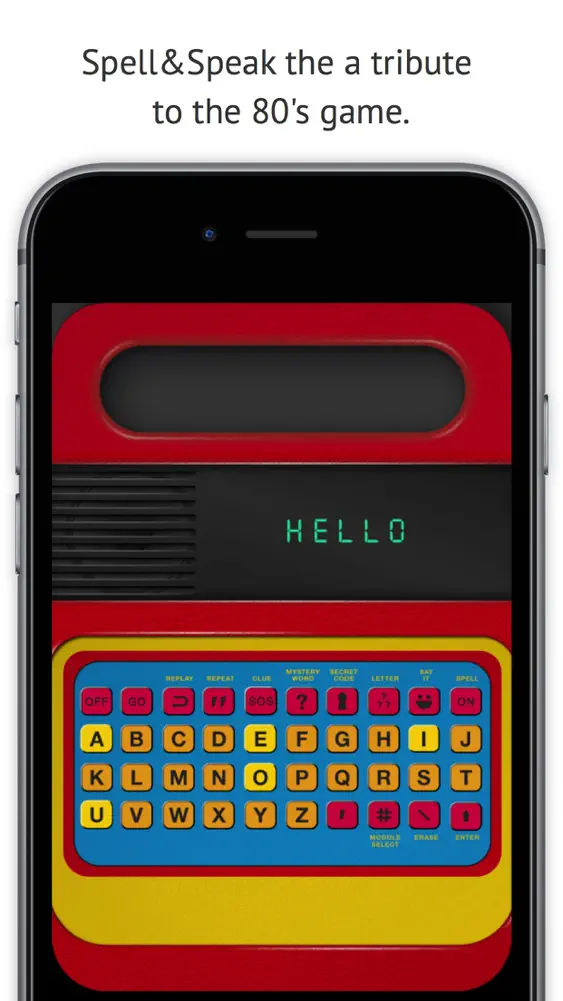
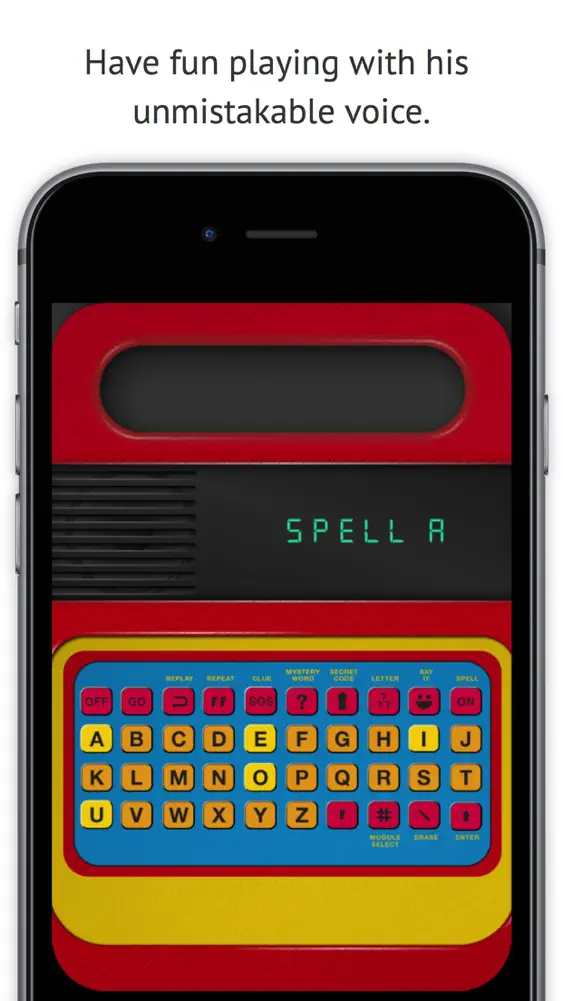
Spell&Speak is a tribute to the 80's game that has thrilled generations and teach them to read and write and have fun playing with his unmistakable "voice". In this new digital version retains it's flavor and simplicity typical of the game.
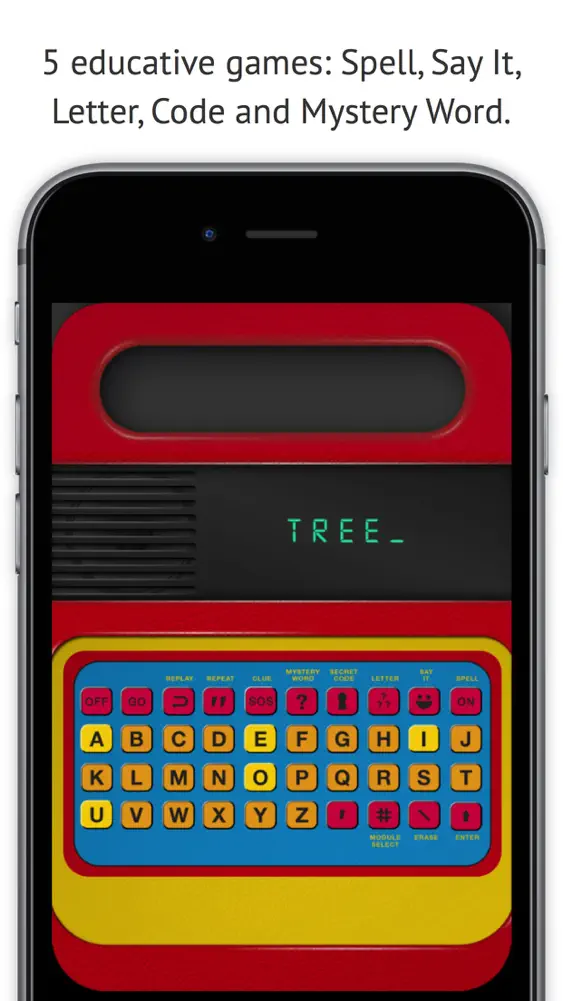
It offers different game modes: Spell, Say It, Letter, Code and Mystery Word, during which each letter typed and spoken word is the corresponding display on the display.
For 3 years children and up, you can learn while having fun, is also suitable for all adults with a hint of nostalgia, remember the good times we had to play and learn.
Spell&Speak is an Universal App, therefore compatible with all devices and already optimized to work well even on the New iPad with retinal display
• Spell Game
To start the game press the letter corresponding to the level you want (there are four levels of increasing difficulty, from A to D), and finally press GO the button.
At this point, the Spell&Speak says a word that the child will write and confirm by pressing the Enter key.
At the error, you have another chance to rewrite it.
If you are wrong, Spell&Speak pronounce the word three times, one of which spelling, so that the child has a correct perception of individual letters and the correlation between sound and form, this repetition after switching to the next word until the end the match. At this point the result is displayed, showing the number of correct words and misspelled words that were written.
Each play has 10 words.
• Say It Game
Say It offers a series of 10 random words that the child will repeat as they go while displaying their grammar and writing.
At the end of the game, the child may choose to continue with 10 other words or switch to another game.
• Letter Game
Pressing the Letter button Spell&Speak pronunciation and displays, each press of the button, a letter of the alphabet at random, before moving to the next letter, the child has the opportunity to write a letter shown below the text in its will.
This game is aimed to teach the various letters to distinguish the sound of reconnecting to the form and typing the same letter delivered by Spell&Speak, or can be used as a game of fantasy writing a word that starts with the letter proposal.
• Secret Code
Pressing the Secret Code button the child can write a word and with the Enter key can convert it into a secret code that consisting of numbers and symbols.
• Mystery Word
It consists in guessing the hidden word. On display are many hyphens as the letters of the word to guess. By pressing the correct letter, it appears going to position within the word itself.
If you fail more than 6 times the letter Spell&Speak will reveal the hidden word by pronouncing it and showing it on the display.
New in version 1.1
•Minor Bugfixing.
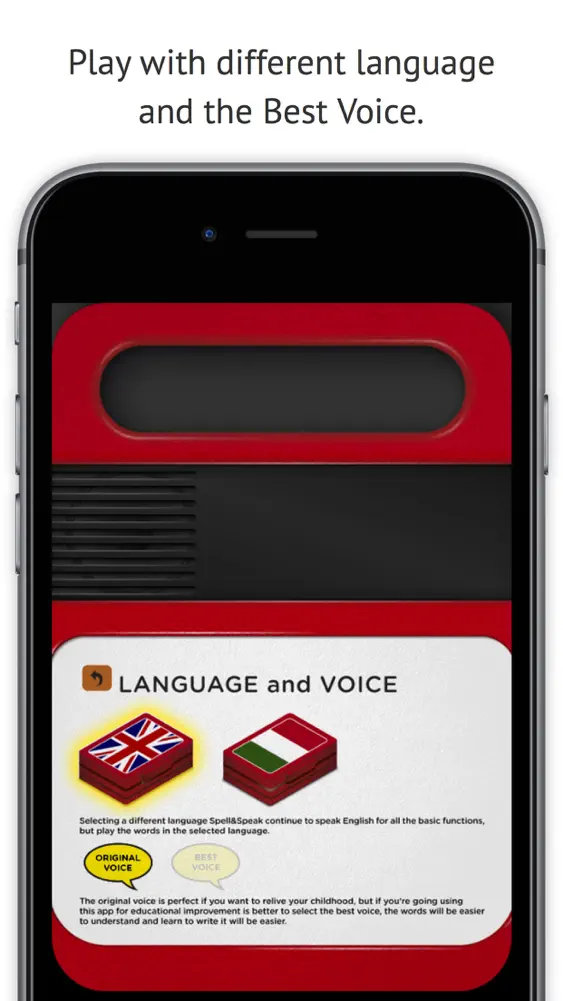
•Added the ability to play with Italian words while receiving instructions in English. (Key Module Select).
•Added the ""Best Voice"". The Original Voice is perfect if you want to relive the emotions of childhood. The "Best Voice" is better if you want to use Spell&Speak for educational purposes. (Key Module Select).
•Added the ability to use Spell&Speak with headphones, for the happiness of all parents :-) (do not recommend using headphones to children under the age of 12 years).
What's New
• Bugfix
How to download Spell&Speak?
- Tap the Google Play button (Android) or the App Store button (iPhone / iPad) in the download section.
- The official store page of Spell&Speak opens in a new tab.
- Tap Install or Get and wait until the download finishes.
- Open Spell&Speak from your home screen and start playing.
FAQ
Is Spell&Speak free to play?
No, Spell&Speak is a paid game. Current price: $1.99.
Is Spell&Speak available for iPhone?
Yes, Spell&Speak is available on the Apple App Store and needs iOS 7.0 or later.
Is it safe to download Spell&Speak?
Yes. ER Games does not host any files — the download buttons open the official Google Play and App Store pages.
Download the App
Similar Games
Brain Test: Tricky Puzzles
Trivia Crack by The Floor
QuizzLand. Quiz & Trivia game
Brain Test 2: Tricky Stories
Guess Their Answer - IQ Games
Millionaire - Quiz & Trivia
Who is? Brain Teaser & Riddles
IQ & brain test: Triviascapes
Brain Test All-Star: IQ Boost
TRIVIA STAR Quiz Games Offline
Everyday Puzzles: Mini Games
Deal To Be A Millionaire
GeoGuessr
Text or Die
Millionaire 2026 Quiz & Trivia
Advertisement
Disclaimer
1. ER Games does not represent any developer, nor is it the developer of any app or game listed on this website.
2. Game details such as icons, screenshots, ratings and descriptions are collected from the public Google Play and App Store listings so players can compare games before installing.
3. All trademarks, registered trademarks, product names, company names and logos are the property of their respective owners.
4. ER Games does not host APK or IPA files. Every download button opens the official Google Play Store or Apple App Store page of the game.
5. ER Games respects the Digital Millennium Copyright Act (DMCA). If you are the owner of any content shown here and want it removed, please contact us at contact@earningreview.com.